
Social Media Recovery: A Step-by-Step Guide for Hacked Accounts
The sinking feeling when you realize your social media account has been hacked is the worst. Whether it's Facebook, Instagram, TikTok, or something else, it feels like someone broke into your personal space and stole a piece of you. You might feel scared, angry, or even a little bit helpless. I know this feeling all too well.
In my years of helping people with tech issues, I've seen many friends and even family members go through the frustration and stress of being locked out of their social media accounts. But don't worry, you're not alone, and you can take control!
This guide is here to help you through those first confusing moments and get your account back on track.
Immediate Actions: Your First Defense
The faster you act, the better. Think of it like a superhero responding to an emergency! Here's what to do right now:
- Change Your Password (But Do It Smart)!: If you can still get into your account, HURRY and change your password. But don't do it on the same device you think might be hacked. Use a different phone, tablet, or computer if you can. And make it a super-strong password – something you've never used before!
- Log Out Everywhere!: Most social media apps let you log out of your account on all devices at once. Do this! It kicks out the hacker and stops them from messing with your stuff.
- Look for Changes: Once you're back in control, be a detective. Check your profile for anything weird:
- Has your email address or phone number been changed?
- Are there posts or messages you didn't write?
- Are there new "friends" or "followers" you don't recognize?
Social Media Recovery: Getting Back In
If you can't even get into your account, don't give up! Social media platforms have ways to help you get it back.
- Find the Recovery Options: Look for links that say "Forgot Password?" or "Need Help Logging In?" These are your best friends right now.
- Prove It's You: The platform will probably ask you to prove you're the real owner. This might involve:
- Entering your email address or phone number
- Answering security questions (like your mom's maiden name)
- Sending in a photo of your ID
- Be Patient: It might take a little time to get your account back, but don't stop trying.
Protecting Your Account from Future Hacks
Okay, you've got your account back. Awesome! But let's make sure this doesn't happen again.
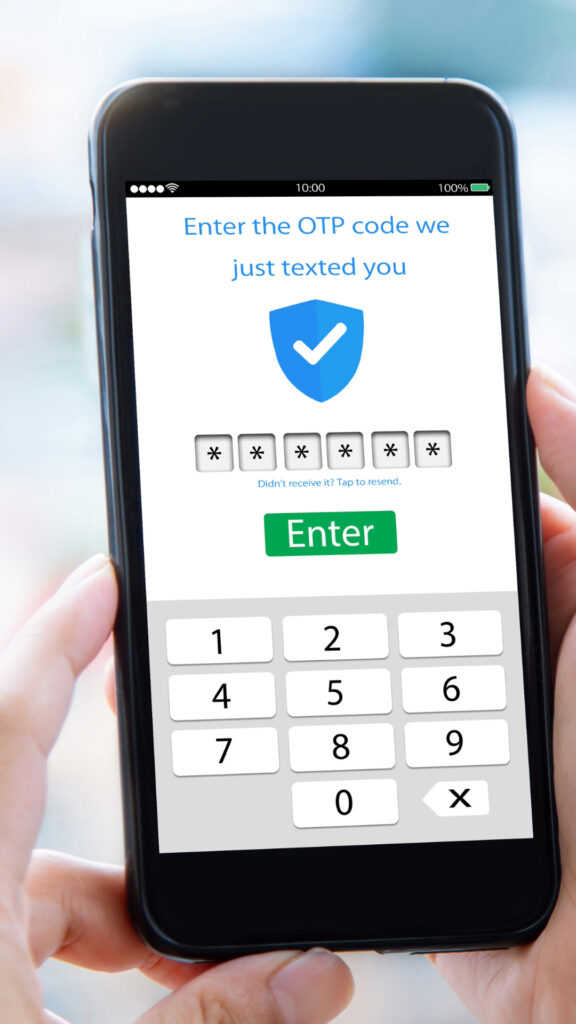
- Two-Factor Authentication (2FA): This is like having two keys to your house. You need your password AND a special code (usually sent to your phone). Turn this ON for all your important accounts!
- Authenticator Apps: Consider using an authenticator app, like Google Authenticator or Microsoft Authenticator, for even stronger security.
- Password Manager: This is a super-safe place to store all your passwords. You only have to remember ONE strong password to unlock the password manager.
- Connected Apps: Sometimes we give other apps permission to access our social media accounts. Check which apps are connected and disconnect any you don't use or don't recognize.
Also consider using a strong, unique password for your email account, as that's often the first target for hackers.
Why Social Media Recovery Matters
Getting hacked isn't just annoying; it can be scary. Hackers can:
- Steal your private information
- Pretend to be you and post embarrassing things
- Even try to scam your friends!
But by taking quick action and following these tips, you can protect yourself and your family. And remember, you're not alone. We're all in this digital world together!
Ready to take control of your digital life and protect your family?
Sign up for the Family Home Tech newsletter and get instant access to our free "What to Do When..." guide, packed with practical solutions for everything from hacked accounts to online scams.
Plus, you'll receive a treasure trove of other printable resources, including checklists, templates, and guides, designed to make your digital life easier and safer.
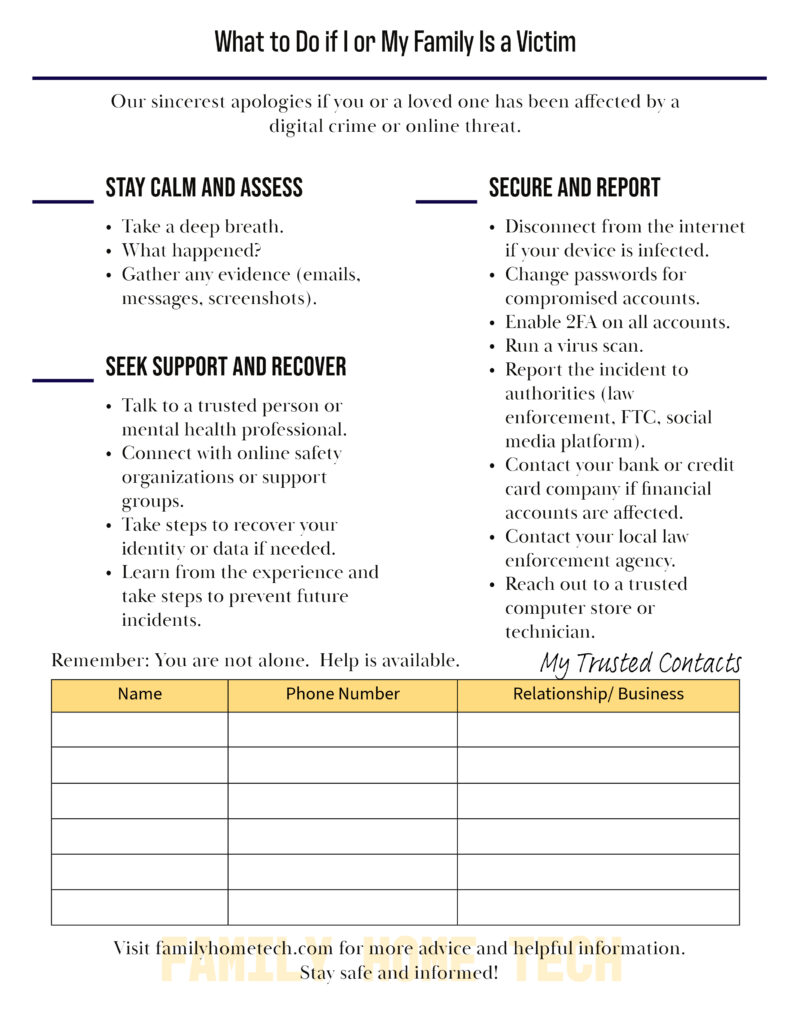
And if you're currently a victim of online theft, visit our "I Am A Victim" page for immediate support and guidance. Don't wait, empower yourself today!
Get your free toolkit resources! Join the Family Home Tech community and check out the "Resources" page here: Resources Page
I care about your online safety and want you to feel empowered. Use this guide to recover your account and take control of your digital life.
By following these steps, you can regain control of your social media and protect yourself from future attacks. You've got this!
I hope this guide helps you recover your account and stay safer online. Remember, you've got this! Stay tuned for our next post, 'Securing the Damage: Protecting Your Information and Contacts,' for more tips.
Want to learn more about the TECHSAFE Family Toolkit and how it can help your family thrive in the digital world? Click here or the button below to see how it can help you.
2 thoughts on “My Social Media Account Hacked!”